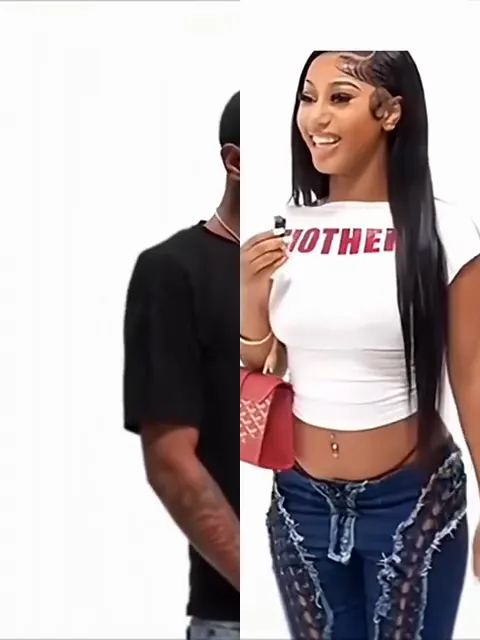
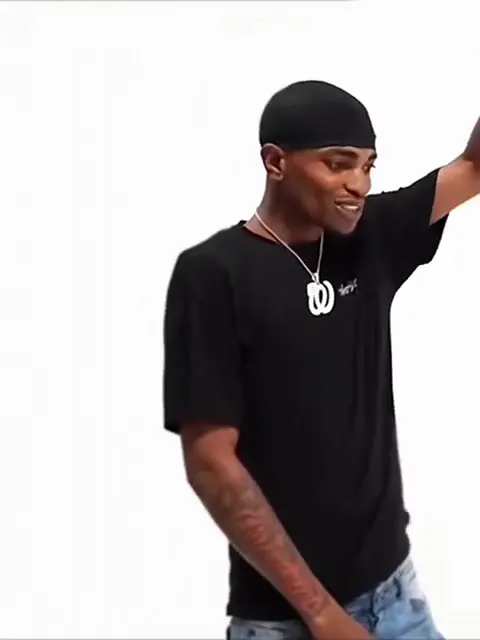
Oh You Can Make It Cap Templates Pick the template Same studio, same shots. Pick who you play.
Updated Nov 1, 2026 · By the Oh You Can Make It Cap team
Generator
Make your oh you can make it cap ai video Three choices and one tap. The shot list, the timing and the prompt are already built.
What you get Someone asks for a 360, and the spin comes with a straight face. The other side of the cut bites a finger and tries not to laugh. Nobody holds it together: the laugh wins while the explaining carries on. An MP4 with sound, ready to post as it is. Before you upload Front-facing, good light, one person. One adult only, no group photos. Show the outfit you want: it is copied from the photo. Hands may vary slightly between frames. That is the current limit of AI video. × Get credits to make your video ✓ No subscription needed: pay once, pack credits never expire.
once
Pay once, no subscription. Credits never expire.
Buy one video
Secure checkout by Waffo · Packs are one-time and never expire · Plans renew until cancelled, cancel anytime from your account
See every pack and plan
Monthly Yearly up to 38% off
Most popular Basic
100 credits / month · ≈ 10 videos
$29.90/mo
≈ $2.99 / video
Subscribe No watermark Fresh credits every month Unused credits roll over Cancel anytime Basic Save 17%
1200 credits / year · ≈ 120 videos
$24.92/mo
≈ $2.49 / video
Billed $299 yearly
Subscribe No watermark All year's credits up front Credits never expire Cancel anytime Pro Save 17%
200 credits / month · ≈ 20 videos
$49.90/mo
≈ $2.50 / video
Subscribe No watermark Fresh credits every month Unused credits roll over Cancel anytime Pro Save 30%
2400 credits / year · ≈ 240 videos
$41.58/mo
≈ $2.08 / video
Billed $499 yearly
Subscribe No watermark All year's credits up front Credits never expire Cancel anytime Best value Studio Save 26%
450 credits / month · ≈ 45 videos
$99.90/mo
≈ $2.22 / video
Subscribe No watermark Fresh credits every month Unused credits roll over Cancel anytime Studio Save 38%
5400 credits / year · ≈ 540 videos
$83.25/mo
≈ $1.85 / video
Billed $999 yearly
Subscribe No watermark All year's credits up front Credits never expire Cancel anytime Or buy credits once Basic: 10 videos a month for $29.90. The Crew Pack is 25 videos for $99, once.
Single
10 credits · ≈ 1 video
$6.99
≈ $6.99 / video
Choose No watermark Download and post anywhere Credits never expire Failed renders are free Trio Save 19%
30 credits · ≈ 3 videos
$16.99
≈ $5.66 / video
Choose No watermark Download and post anywhere Credits never expire Failed renders are free Duo Pack Save 17%
50 credits · ≈ 5 videos
$29
≈ $5.80 / video
Choose No watermark Download and post anywhere Credits never expire Failed renders are free Crew Pack Save 43%
250 credits · ≈ 25 videos
$99
≈ $3.96 / video
Get the Crew Pack No watermark Download and post anywhere Credits never expire Failed renders are free Studio Pack Save 53%
600 credits · ≈ 60 videos
$199
≈ $3.32 / video
Choose No watermark Download and post anywhere Credits never expire Failed renders are free Label Pack Save 60%
1800 credits · ≈ 180 videos
$499
≈ $2.77 / video
Choose No watermark Download and post anywhere Credits never expire Failed renders are free
Oh You Can Make It Cap has 3 templates, and each pairs a subject with a scene that suits it. Choose by the look you want in the generator .
Questions
FAQ Which template should I pick if I post alone? Play Both Roles on Oh You Can Make It Cap (ohyoucanmakeitcap.org) suits a solo post, because the person in your one photo appears on both sides of the cut and every shot change is you reacting to yourself.
Who plays the other person if I pick one role? An AI-made stranger plays the other person in You Do the 360 and You Crack Up. The stranger looks like nobody in the original clip and changes from render to render, so two renders of the same photo will differ.
Can a friend be the other person? No. Oh You Can Make It Cap takes one photo of one adult and does not accept a second person's photo. This keeps the tool to people who chose to upload their own picture, and it is why no template needs anyone else's face.
Your video is one photo away Upload a photo, pick the template, generate.
Make my video